How to Add or Update Your Store Description?
This article walks you through how you can update or add a description for your Sendd Store.
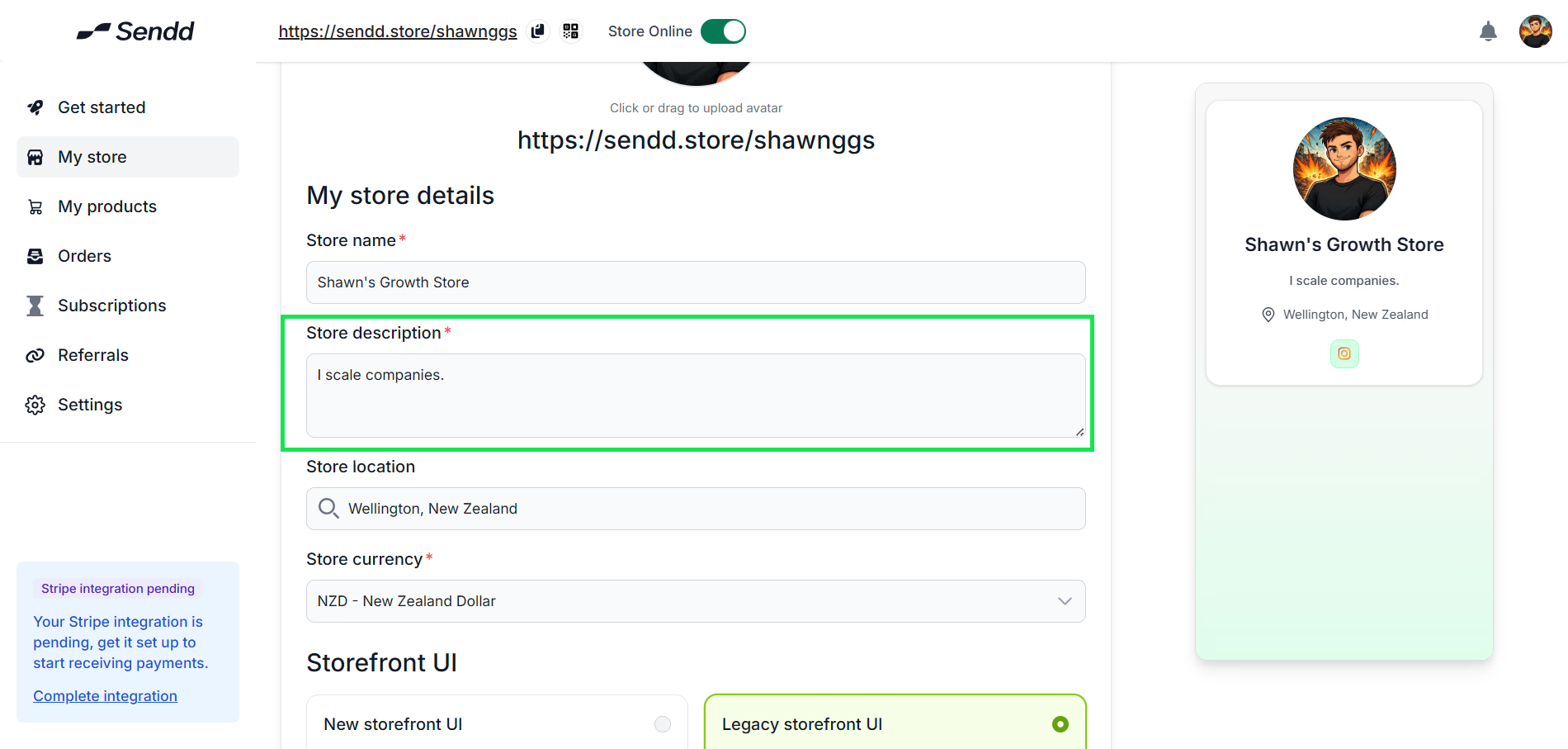
- Go to Sendd Store , and click on My Store on the left menu.
- Click on the text field titled “Store description” and enter a befitting description.
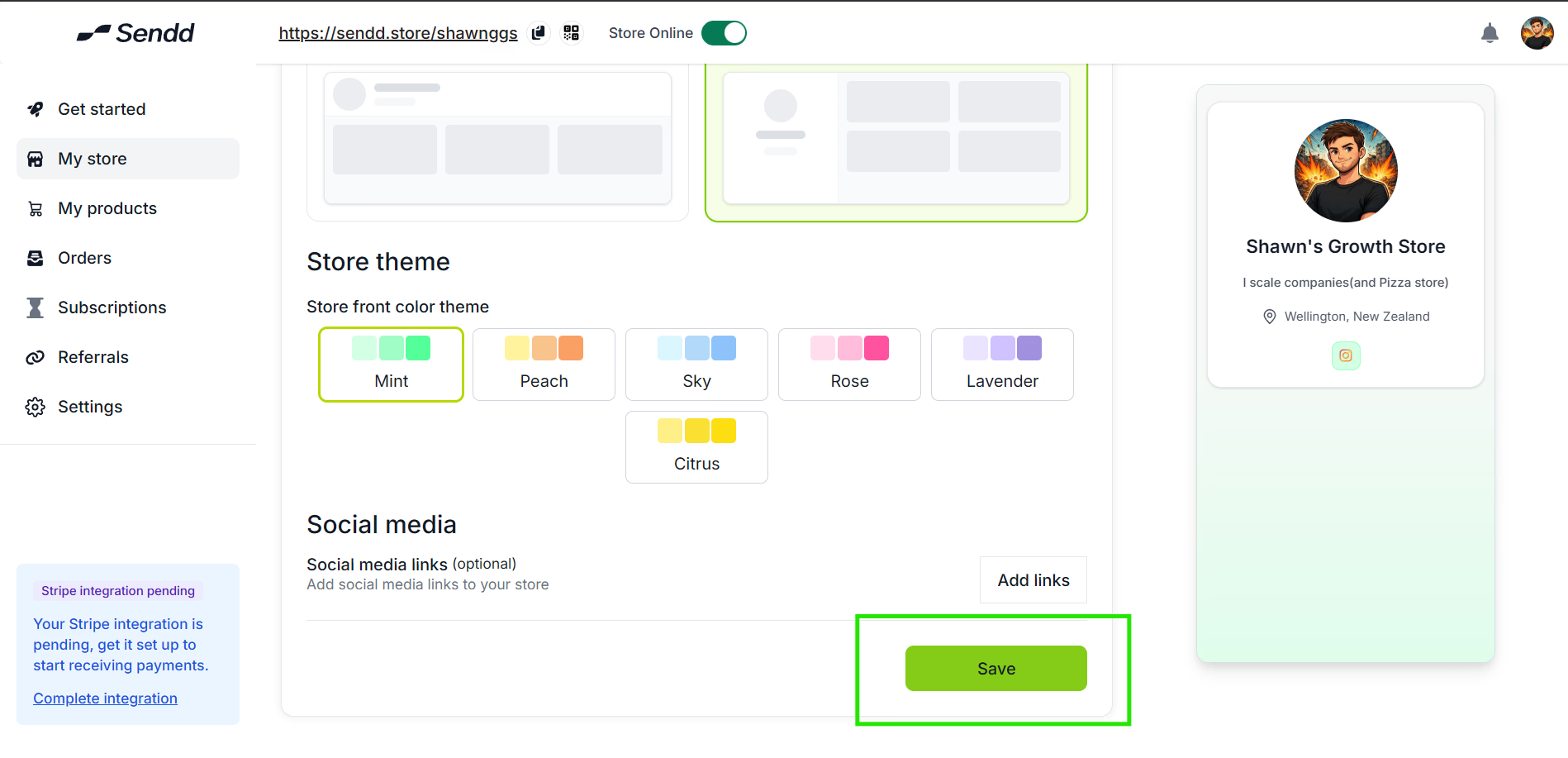
- Don’t forget to click on Save (at the bottom of the page) so that the description is saved.
Last updated on