Store Setup
Uploading and changing Profile picture
In this section, we will go ahead with how to setup your Profile Picture:
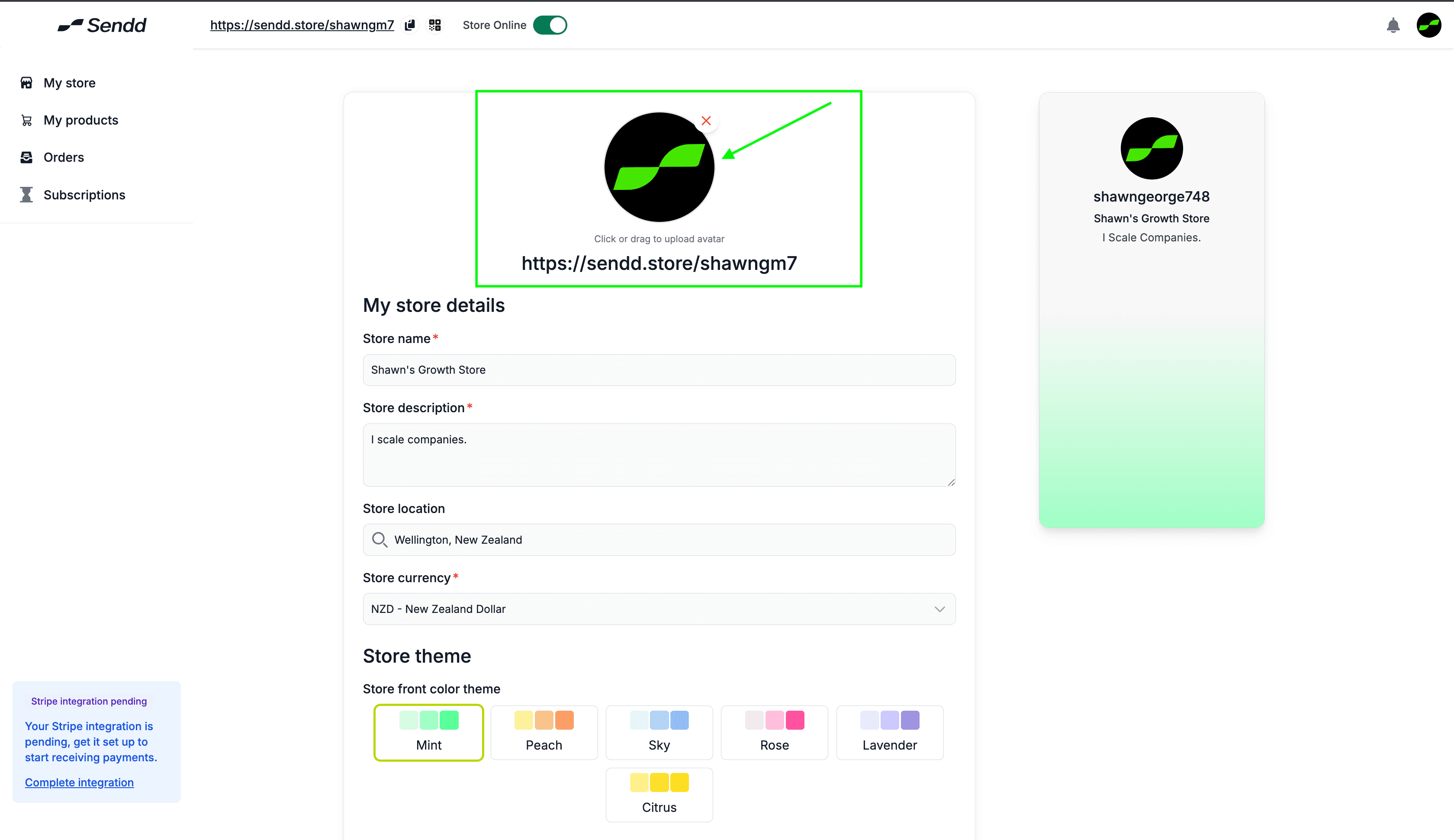
Go to your https://sendd.store, and click on My Store
Now you will see the image right above your sendd store link as shown above:
Click on the circle image, and upload an image of your liking.
Don't forget to click on Save so that the avatar uploads on your Sendd Store
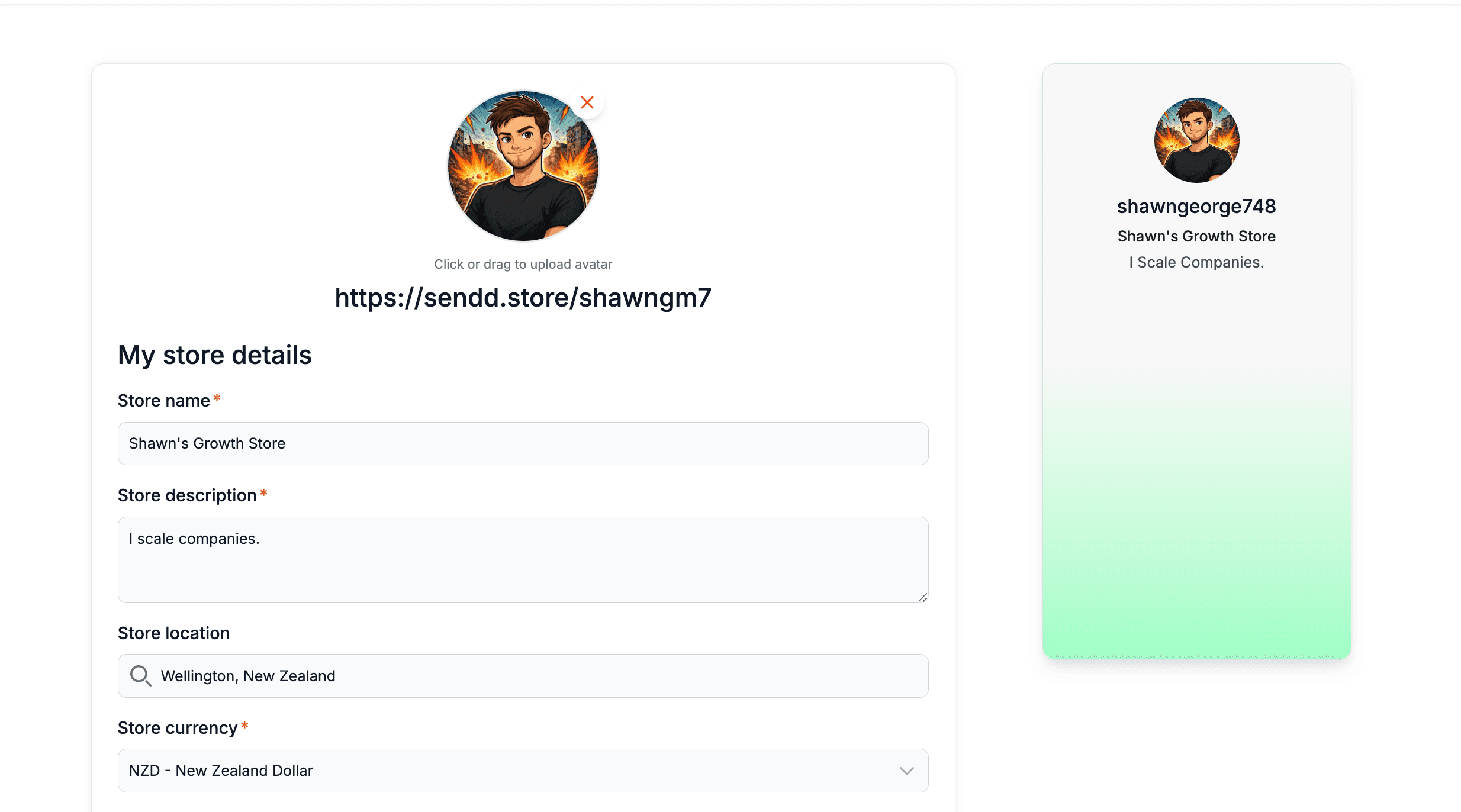
Now you have successfully uploaded your new profile picture!!
Any other questions? Get in touch