Store Setup
Add Direct Links
This article shows you how to add direct links that can be used to attach other resources to your Sendd store.
When you Add new Product click on the Link product type below to get started.
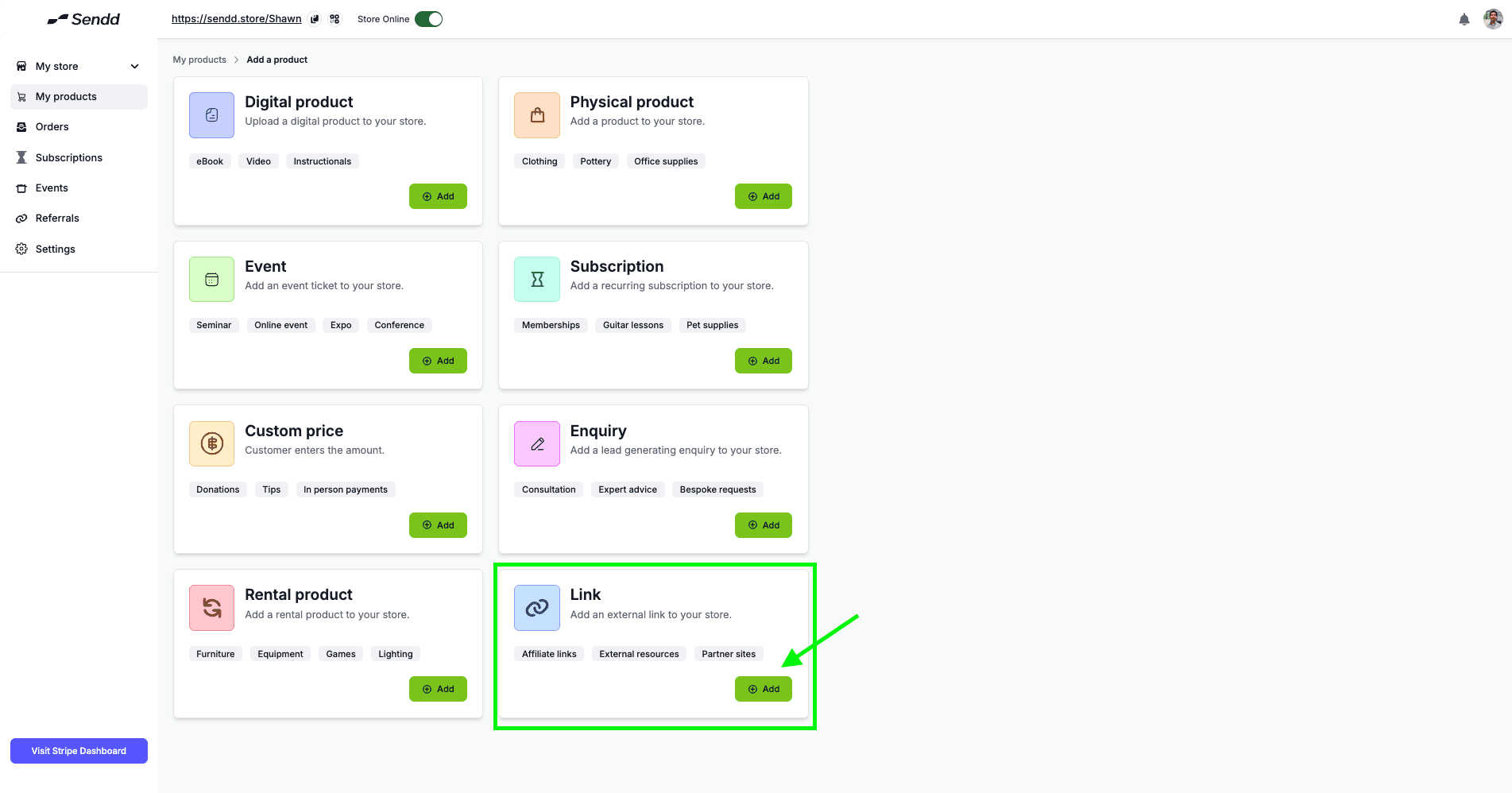
Adding Direct links is super helpful for you to take the customer off to another platform of your choice.
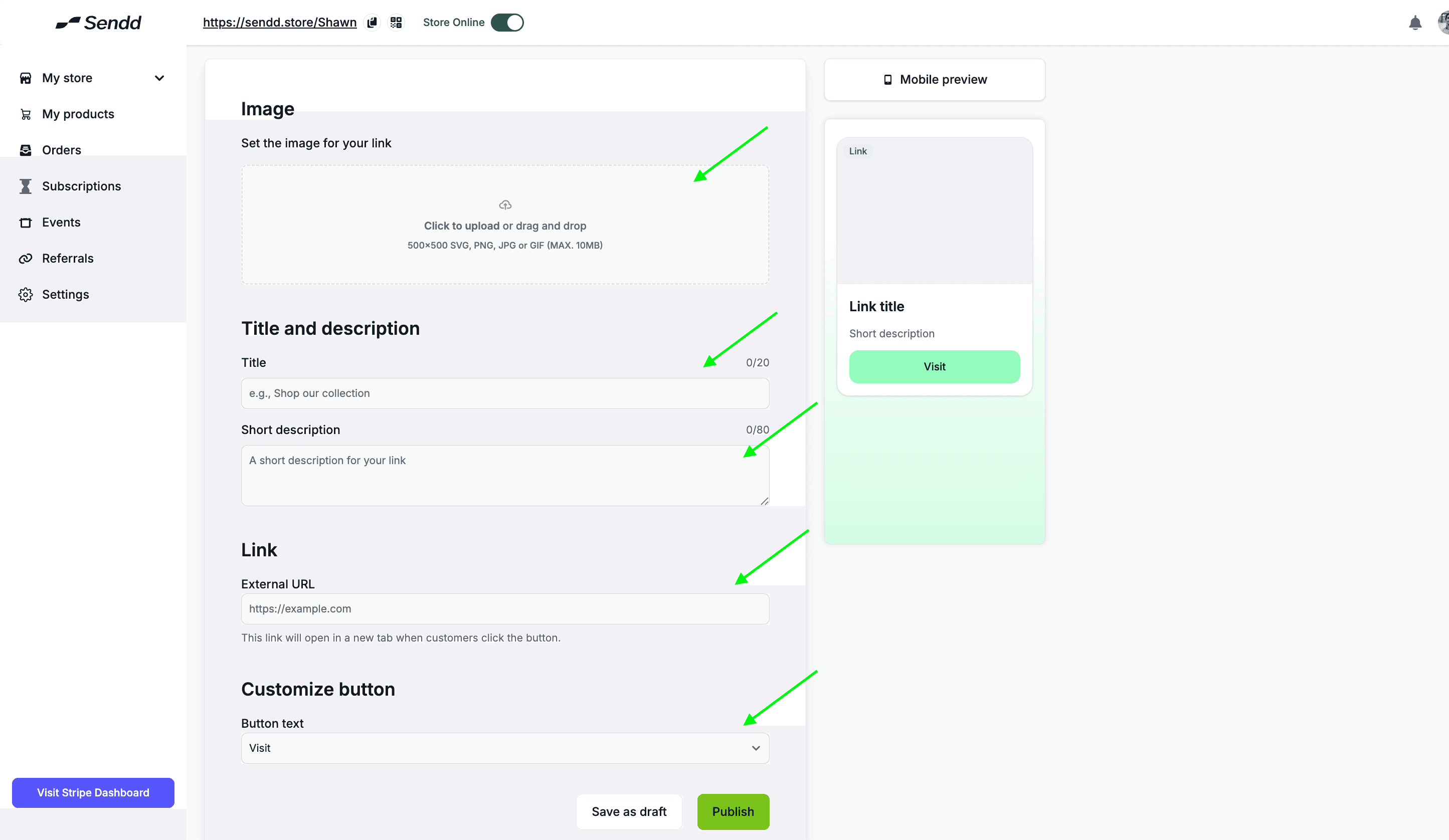
Insert an Image
Add a Title and Description
Add the Link to where you want the Link to take your customers.
Customize the Buttons according to your liking
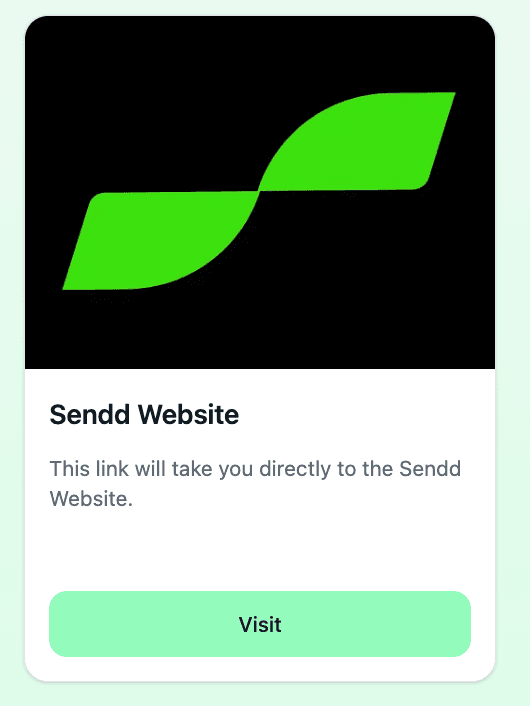
Now you have your Direct link showing up on your Sendd Store!
Any other questions? Get in touch