Store Setup
Add Type your price
This article helps you create a custom price product within your sendd store.
For adding a custom Price product, Click on Custom Price product type when you are in the custom products page.
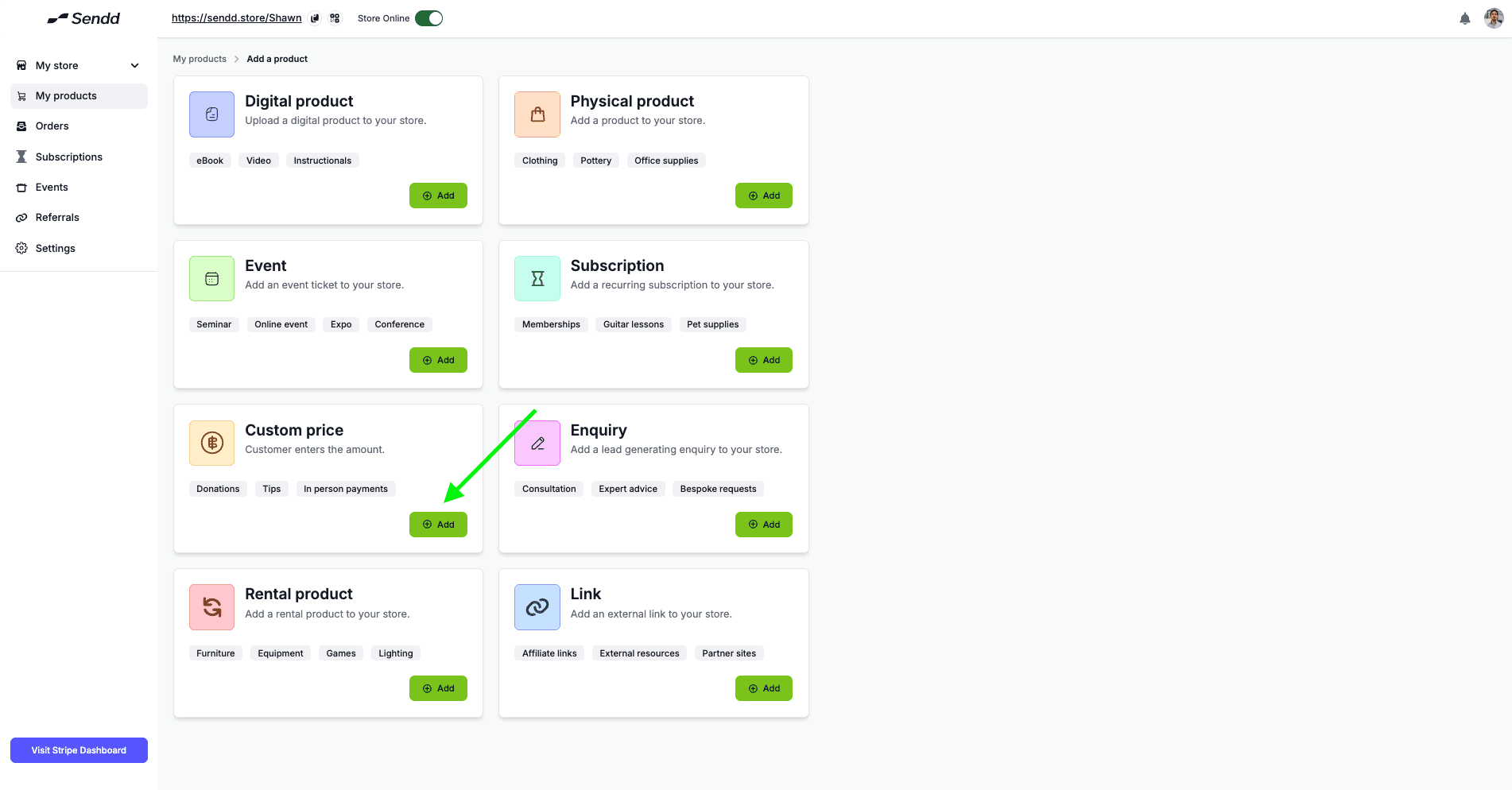
Custom Product is one of our simplest products to setup within the Sendd Store,
all you have to do is
Upload an image
Add a Title and Description
Customize the Button if you want to change what the Button shows.
This product type is best used for scenarios, where the final price is not a fixed price, this can mean all the way from custom quotes all the way to donations and tips, you can do this through displaying your custom Sendd QR code or sending your Sendd Link.
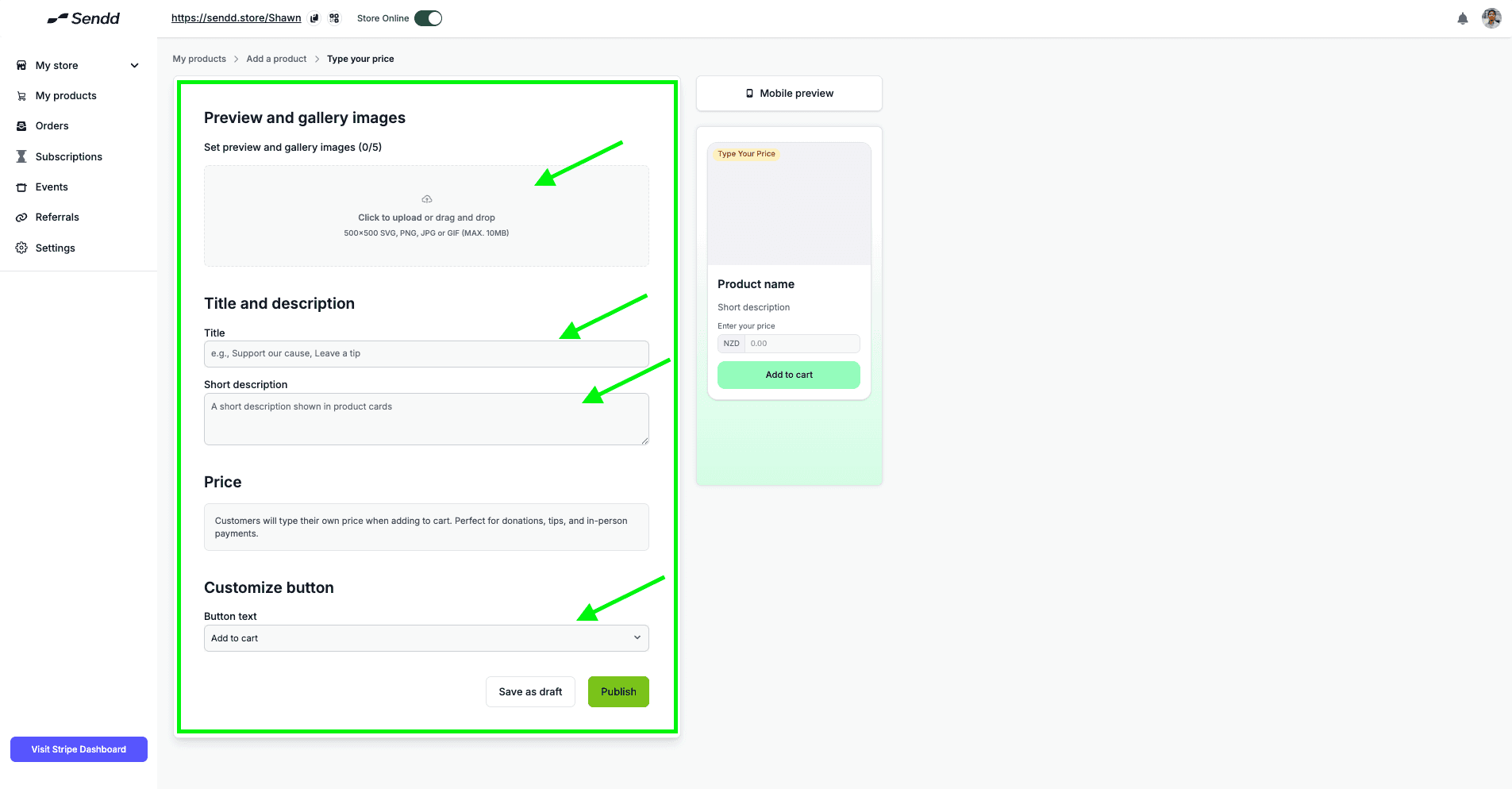
Click Publish and now you have your Custom Price Product on your Sendd Store.
Any other questions? Get in touch